-1.png?width=355&height=200&name=logo%20(4)-1.png)
TempMonitor
Insulin and GLP-1 Temperature Monitor Indicators
TempMonitor: Monitor with Confidence
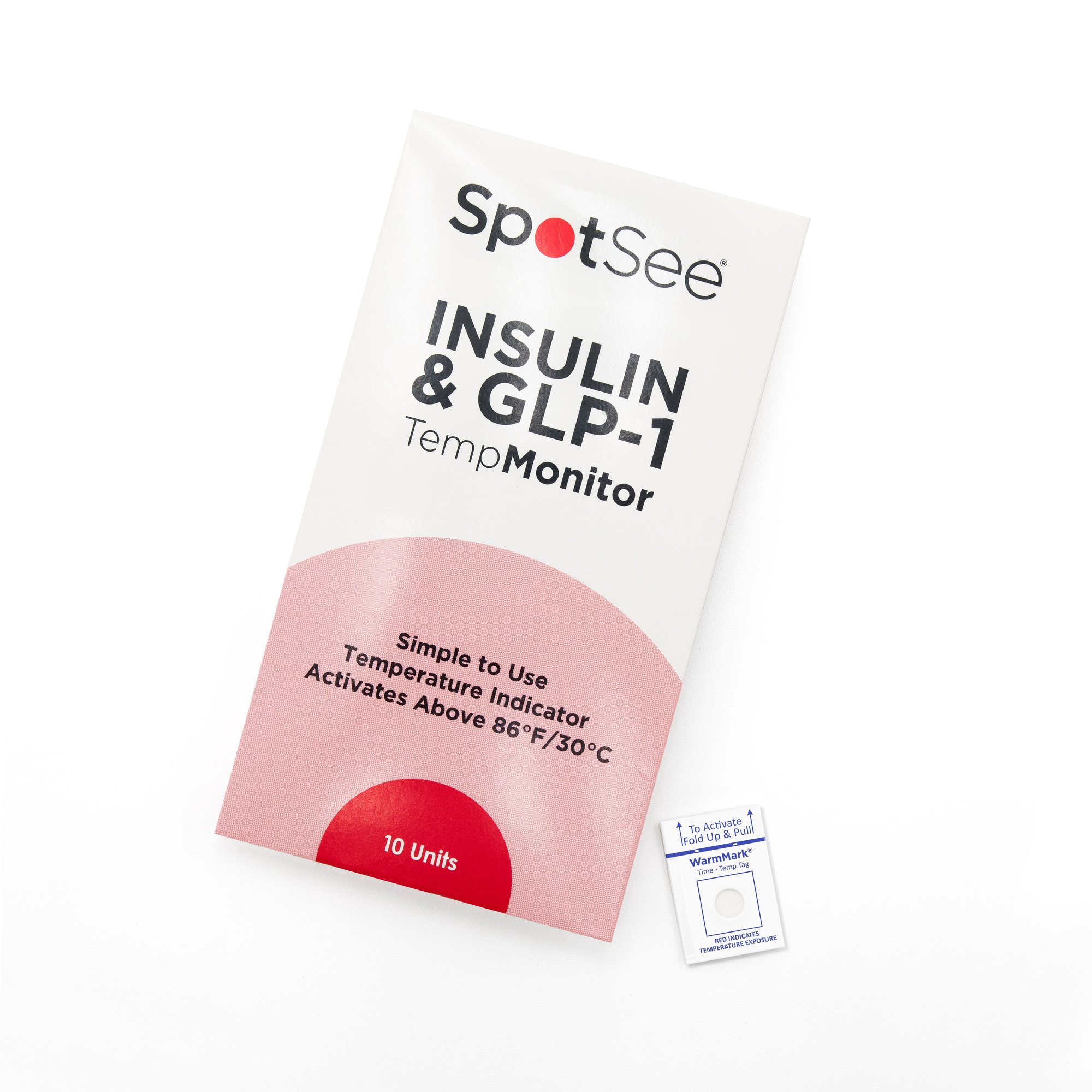
TempMonitor is a WarmMark mini single-use indicator that provides patients with a simple yet effective way to ensure the integrity of their life-saving medications. With a strong commitment to enhancing patient well-being, SpotSee's TempMonitor addresses the critical need for temperature-sensitive medication storage and transportation. Packaged as ten units, these monitors are available today for purchase in the United Sates.
Instructions
Packaged has ten units. These monitors are available today for purchase in the United Sates. See use instructions below
Step 1: Activate the WarmMark
Ensure your WarmMark Time-Temp Tag has remained at 77°F/25°C for a minimum of 30 minutes prior to pulling the tab. You can even place it in the refrigerator for 30 minutes before use if your room temperature is higher than 77°F/25°C. This step allows the tag to work as designed.
Pull Tab to Activate

Step 2: Place Tag with Medication
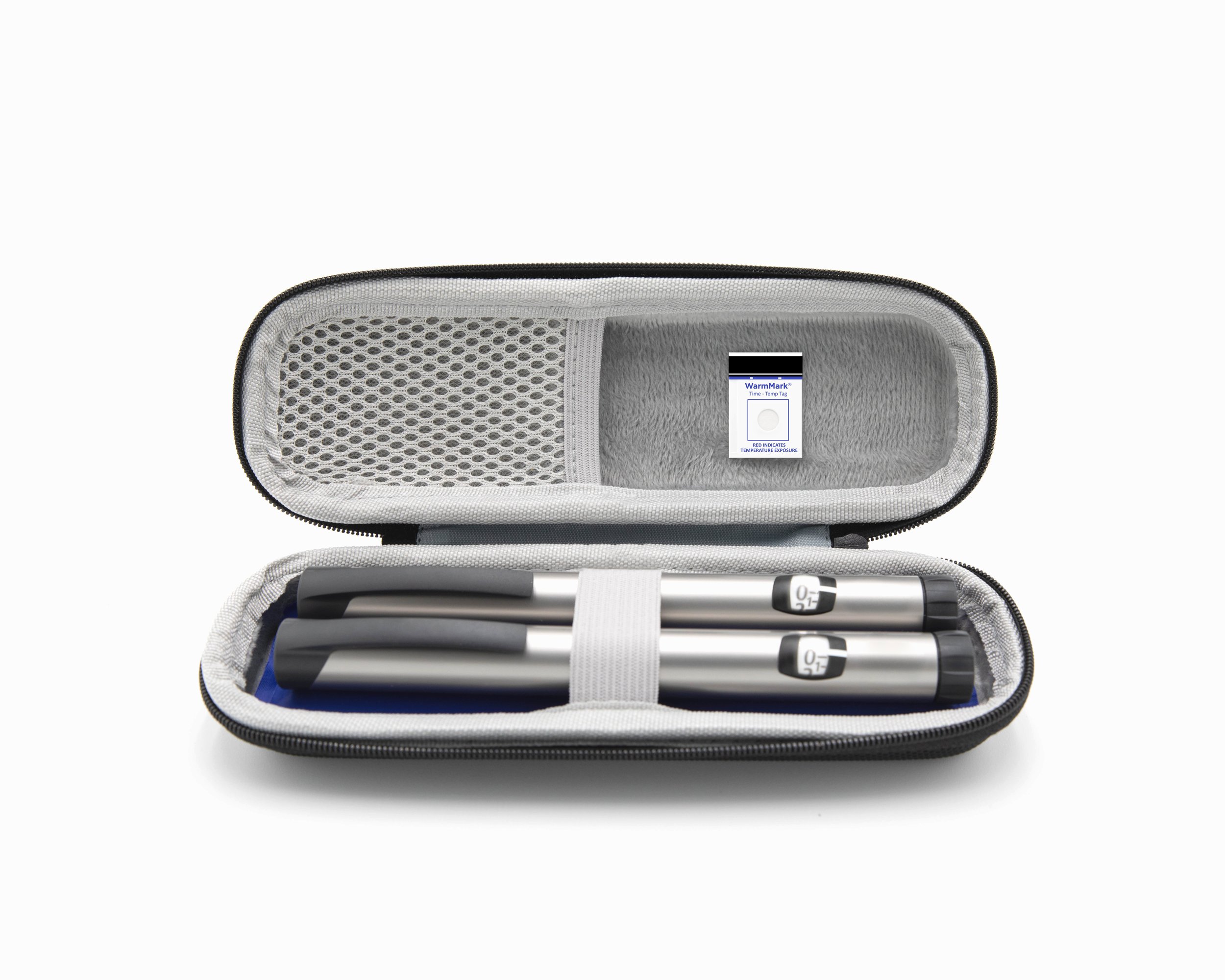
Activate the WarmMark Time-Temp Tag by folding and pulling up on the tab located at the top. Before activation, the viewing window of the WarmMark should be white. Once activated, place it next to your temperature-sensitive medication. Ensure the WarmMark goes wherever your medication does so you always know if it has gotten too warm.
Step 3: Monitor for Change
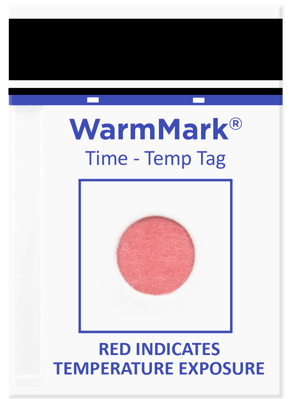
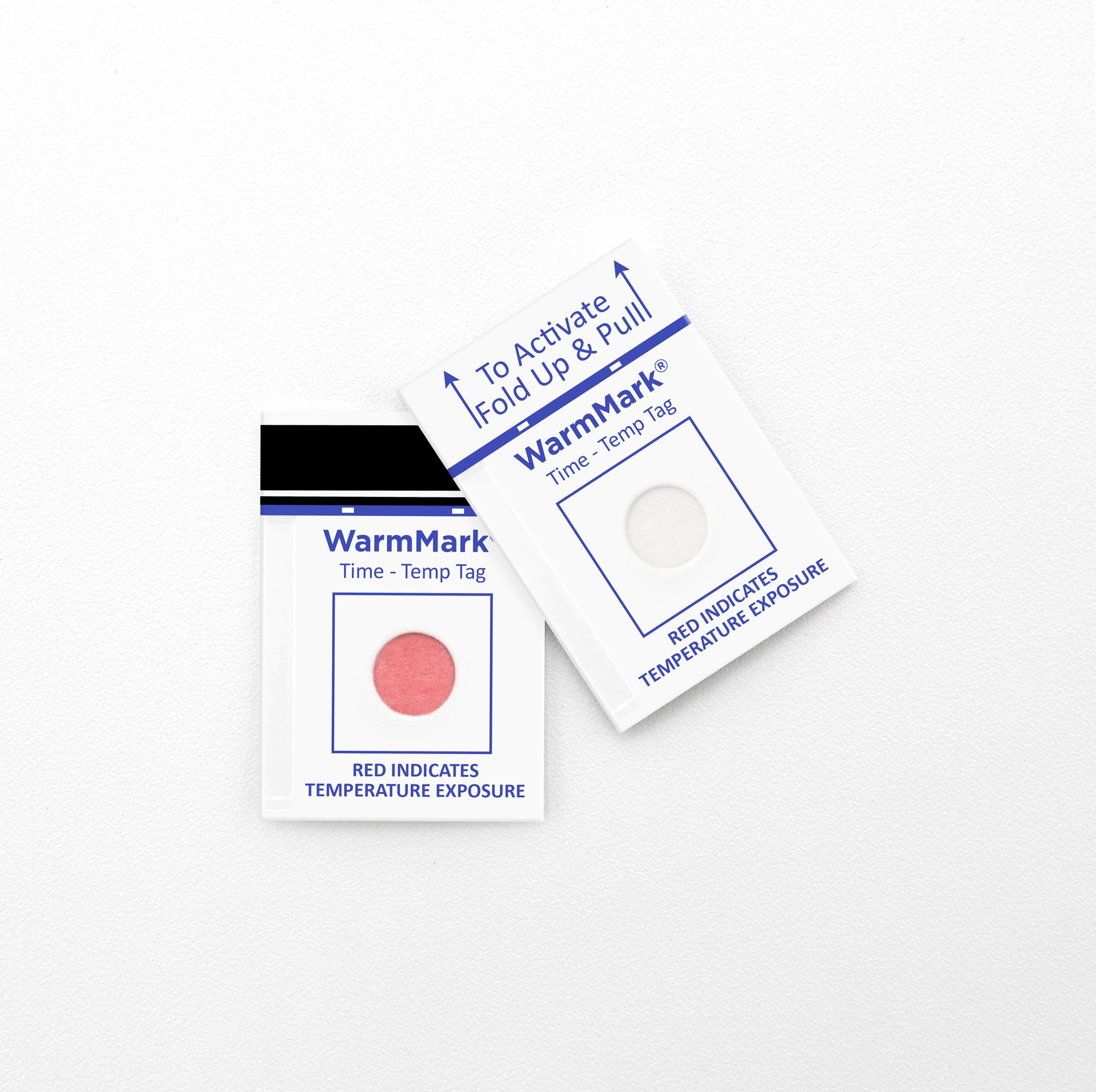
If the WarmMark experiences temperatures over 86°F/30°C (a common threshold medications shouldn't exceed) for about 30 minutes or less, it will turn pink/red, indicating an unacceptably high temperature. If the WarmMark is with your medication and the viewing window changes colors, you know your medication got too warm.
How to Read
White/No Color Change
At any point, if the activated WarmMark Time-Temp Tag’s viewing window is white, it means the tag has remained below 86°F/30°C or has not been over that temperature long enough to trigger a color change. An example of a tag that hasn’t seen an excursion.
.png?width=291&height=400&name=activated%20(1).png "activated (1)")
Pink or Red
When the activated WarmMark has seen temperatures over 86°F/30°C, the viewing window will turn from white to pink/red. This indicates that the tag, and likely your medication, experienced 86°F/30°C for a minimum of 30 minutes or less.